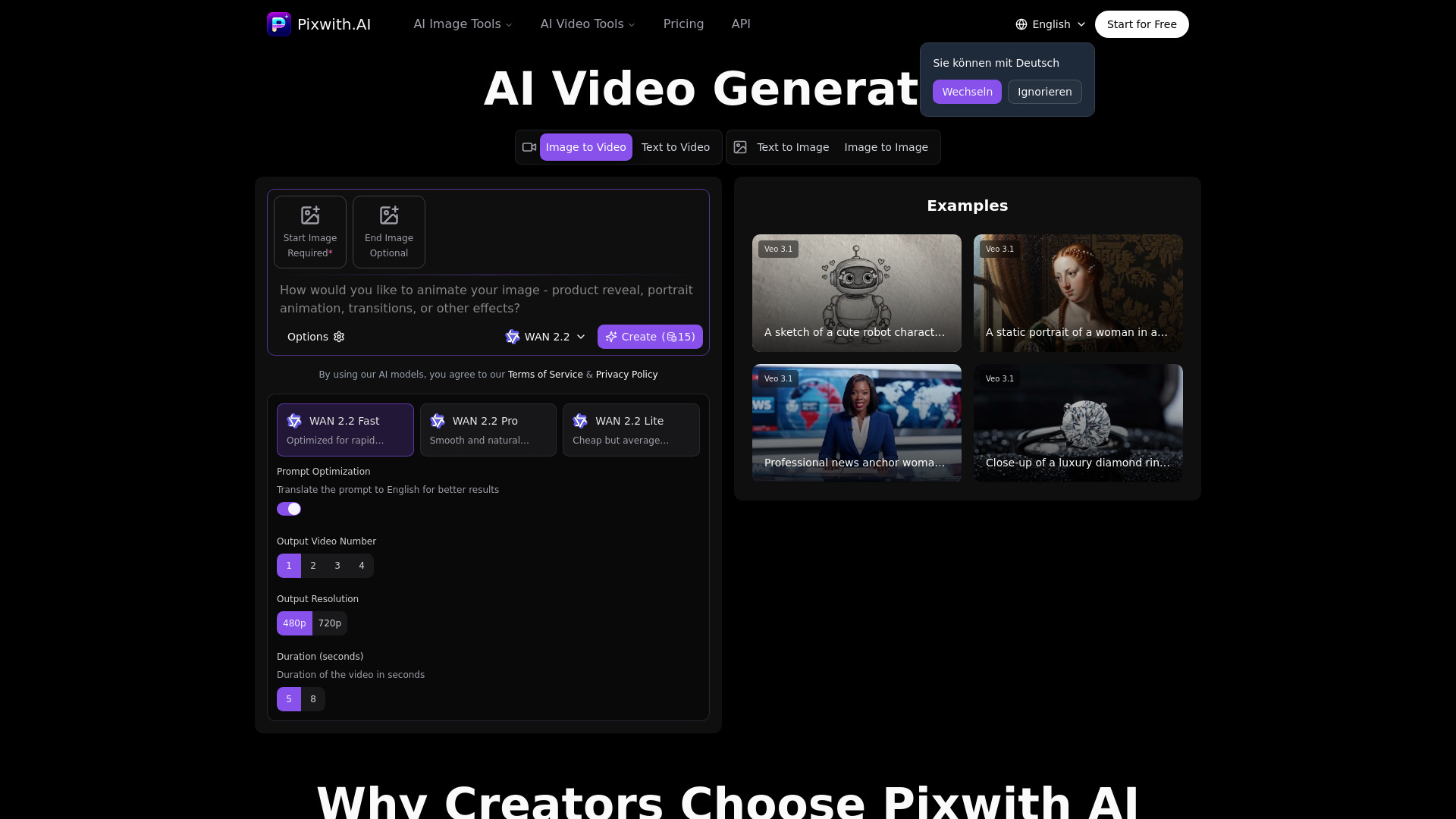
What Pixwith.AI offers
Pixwith.AI combines multiple workflows in one dashboard: Text to Video, Image to Video, Text to Image, and Image to Image. You can adjust model, resolution, duration, and aspect ratio depending on your use case.
Do you need an account to generate?
In practical testing, generation actions route through account state and credits. Google sign-in works, and account credit balance is shown in the product UI after login.
How pricing works (the part users care about)
Pixwith uses a credit-based pay-as-you-go model (not mandatory monthly subscription). The pricing page highlights: no monthly commitment, no credit expiration, and commercial usage rights.
Observed package examples:
- Starter: $9.99 / 900 credits
- Enhanced: $35.99 / 4,300 credits
- Ultimate: $89.99 / 13,000 credits
Typical generation cost (from model pricing table)
Video models are significantly more expensive than image models.
Examples from current pricing table:
- WAN 2.6 (video): 55 credits
- WAN 2.2 Fast (video): 15 credits
- Sora 2 (video): 7 credits
- Flux Dev (image): 1 credit
- Flux Pro (image): 11 credits
In product testing, both Text-to-Video and Image-to-Video defaulted to Create (55) under selected settings, while text/image generation paths can be much lower depending on model choice.
Who this is best for
- Creators who prefer usage-based spend over monthly subscriptions
- Teams that run mixed image + video workflows in one place
- Users who want model-level credit transparency before generating
Key limitation to check before paying
Your real cost depends on model and output settings. If your workflow is video-heavy, credits can burn quickly—estimate credits per deliverable before buying a larger package.