Urltoany.com Review
Urltoany.com is a simple tool designed for speed. It is very popular among users who need to quickly turn a website into text for AI software or save a snapshot of a page. We have tested and share our insights below:
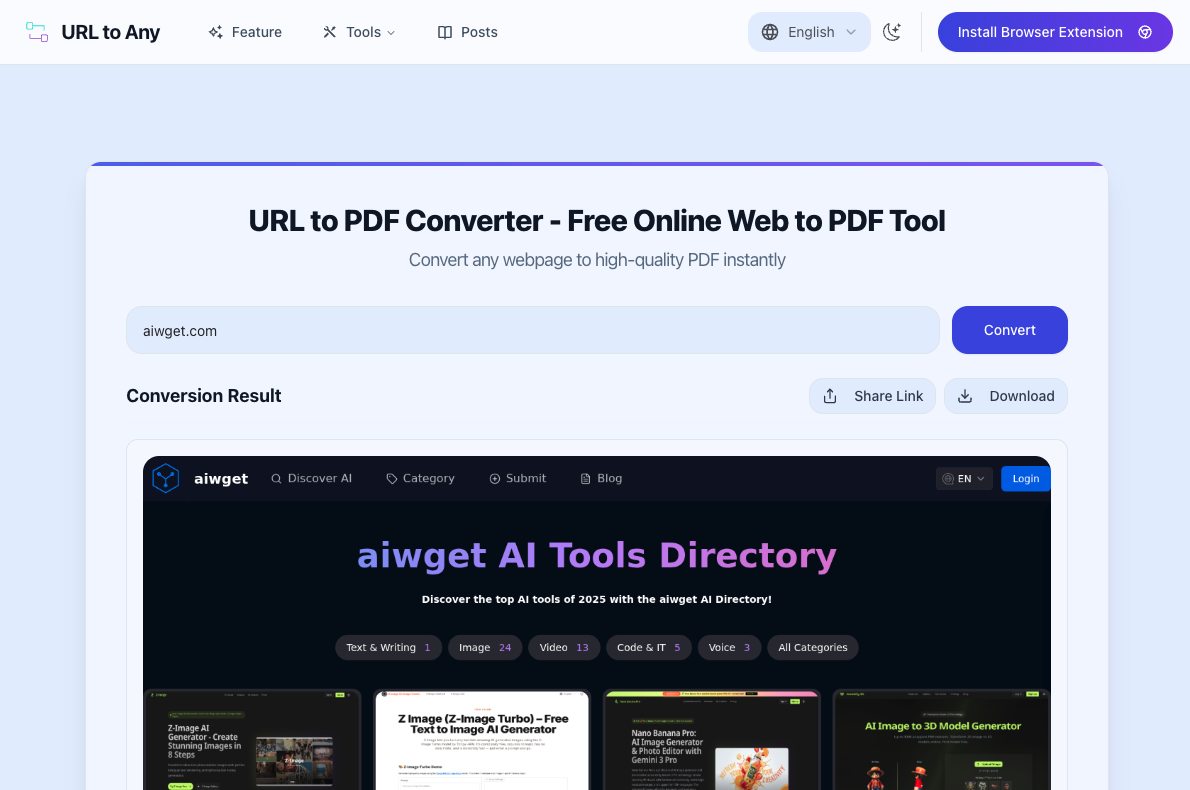
It's very easy to use, Just input the url and click "convert".
Pros (Advantages)
-
100% Free & No Account Needed: You do not need to sign up, provide an email, or pay money. You simply paste the link and get your file in seconds.
-
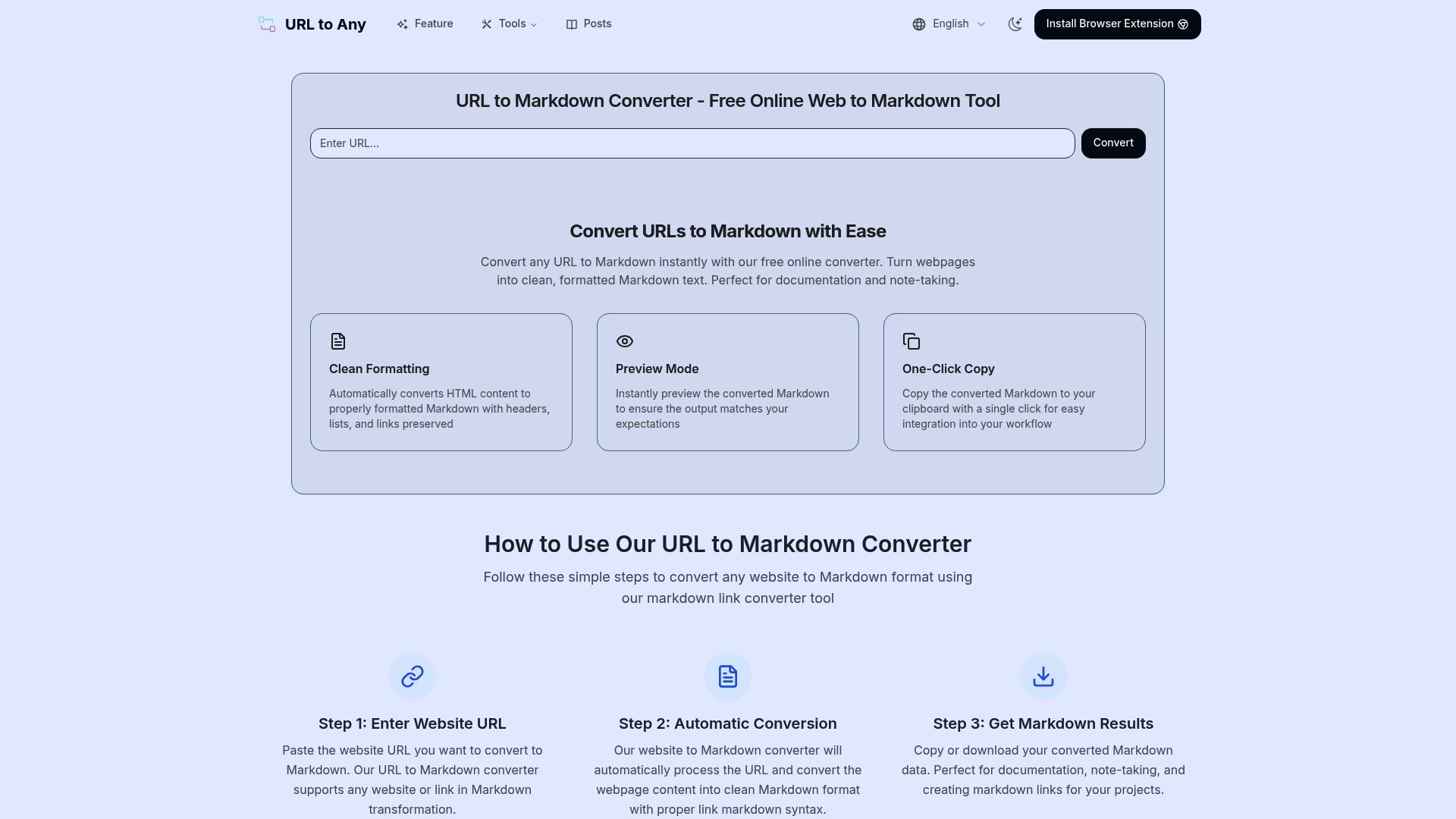
Markdown Support: This is its best feature. It can convert a webpage into "Markdown" text. This is very useful if you want to copy website data into AI tools like ChatGPT or Claude, which prefer clean text over complex code.
-
Multiple Formats: It supports PDF, JPG, PNG, and even QR codes.
Cons (Disadvantages)
-
Privacy Risks: The tool works in the "cloud" (online). This means your link is sent to their server. You should never use it for private pages, like bank statements, emails, or password-protected sites.
-
No Editing: You cannot edit the text, sign the document, or remove ads before converting. It just takes a "snapshot" of the page as it is.
Top 3 Alternatives
If urltoany.com does not fit your needs, here are three other good choices.
1. PrintFriendly (Best for Reading)
Website: https://www.printfriendly.com
-
Why use it: This tool is designed to save paper and ink. It automatically removes ads, navigation bars, and website "junk." You can also click to delete unwanted images or paragraphs before you save the file.
-
Best for: Students or people who want to print articles without wasting ink on ads.
2. Sejda (Best for Office Work)
Website: https://www.sejda.com
-
Why use it: Sejda is a powerful PDF editor, not just a converter. After converting a web page, you can sign it, merge it with other files, or even edit the text directly. It also has a Desktop version that works offline, which is safer for private business files.
-
Limit: The free version only allows you to do 3 tasks per hour.
3. Pdfcrowd (Best for Developers)
Website: https://pdfcrowd.com
-
Why use it: This is a professional tool often used by programmers. It creates very high-quality PDFs that look exactly like the website. It has many settings for page size and margins.
-
Limit: The free version places a red "watermark" (logo) on your document, so it is not good for formal presentations unless you pay.
Conclusion
-
Use Urltoany.com if you need a quick, free way to get data for AI (Markdown) without logging in.
-
Use PrintFriendly if you want to read a clean article without ads.
-
Use Sejda if you need to edit or sign a business document.